
Know your market
Ask who you compete with or how your brand is positioned. The agent looks up your brand, searches the web, and checks the Meta Ad Library.
Agent
Ask how your ads are doing, make new ones, and launch them, all in the same conversation.
How it works
Performance
Ask in plain words. The agent checks your performance data and answers with text, tables, and charts. Ask for a breakdown and the report is saved to Reports, ready to export as PDF or Excel.
Try
Image and video
Ask for a static image ad, a product video, or a short commercial. For a commercial, pick a narrative and edit it before you generate.
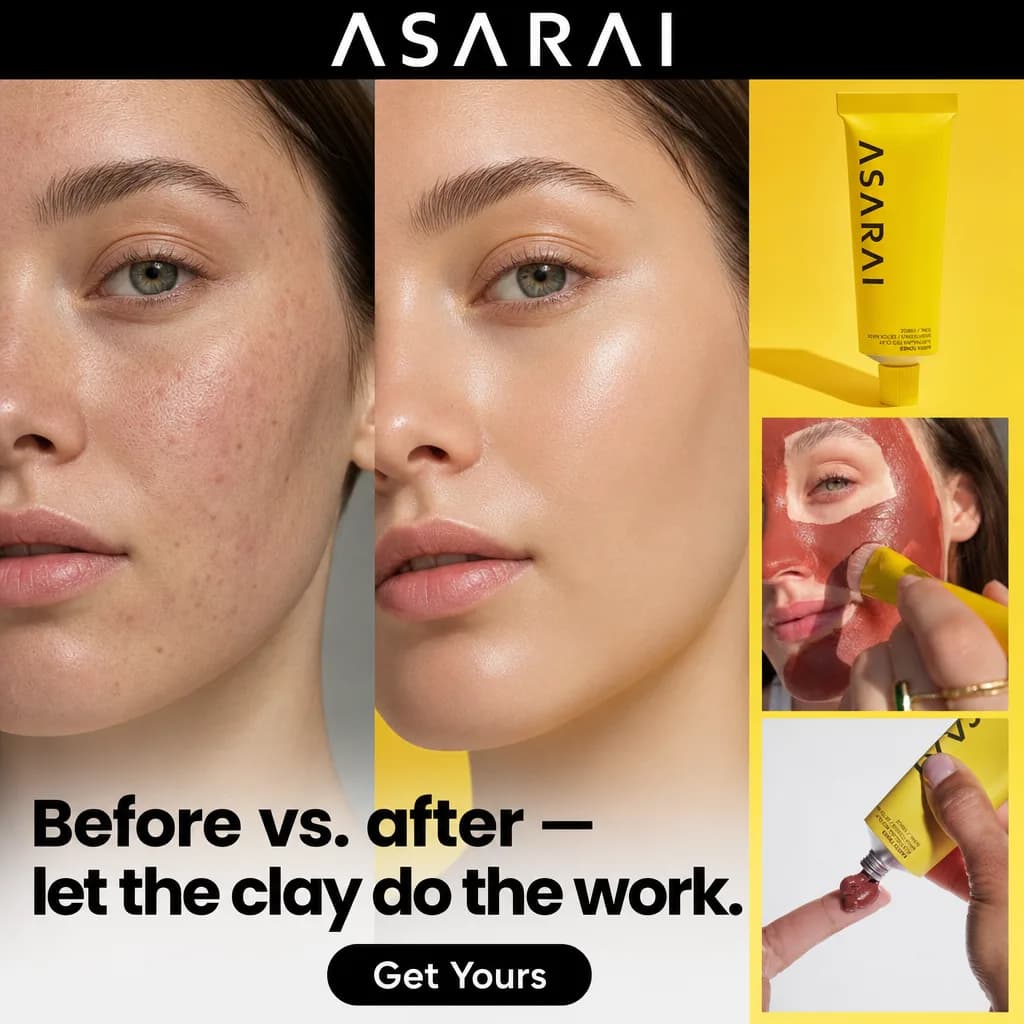
Samples made in Omneky


Launch
Pick the ads and add the copy. The agent proposes an age range, a gender, and a daily budget; edit any of them, then confirm the launch to Meta, or review it all in Ad Launcher.
Research and review
Ask who you compete with or how your brand is positioned. The agent looks up your brand, searches the web, and checks the Meta Ad Library.
Attach up to 3 files and ask for a critique. Images are checked for legibility, brand fit, layout, and AI artifacts; videos for pacing, motion, audio, and brand fit. It reads documents such as a PDF or a CSV, too.
Skills and schedules
Ask it to remember a preference and it saves a skill that it loads on later turns. Brand skills apply to your whole team; personal skills only to you.
Ask it to run a prompt later, once or on repeat from every 30 minutes to weekly. Confirm the time, and the schedule shows up in Automations.
Questions
Yes. The chat uses credits based on model tokens, shown as Agent usage in the conversation. Image and video generations are billed separately and listed in your Credit Log.
Pick ads from your library and add the headline, body text, CTA button, and destination URL. The agent proposes an age range, a gender, and a daily budget. Edit them, then press Confirm launch, or choose Review in Ad Launcher to check everything there first.
Yes. The agent can show a card to connect Meta, Google, TikTok, or OpenAI Ads, and you come back to the same conversation after connecting.
Up to 3 files per message: images up to 15 MB, videos up to 500 MB, and documents such as a PDF or CSV up to 25 MB. Executables and scripts are not accepted.
Images, videos, and plans you create in chat are saved to the Asset library automatically.