
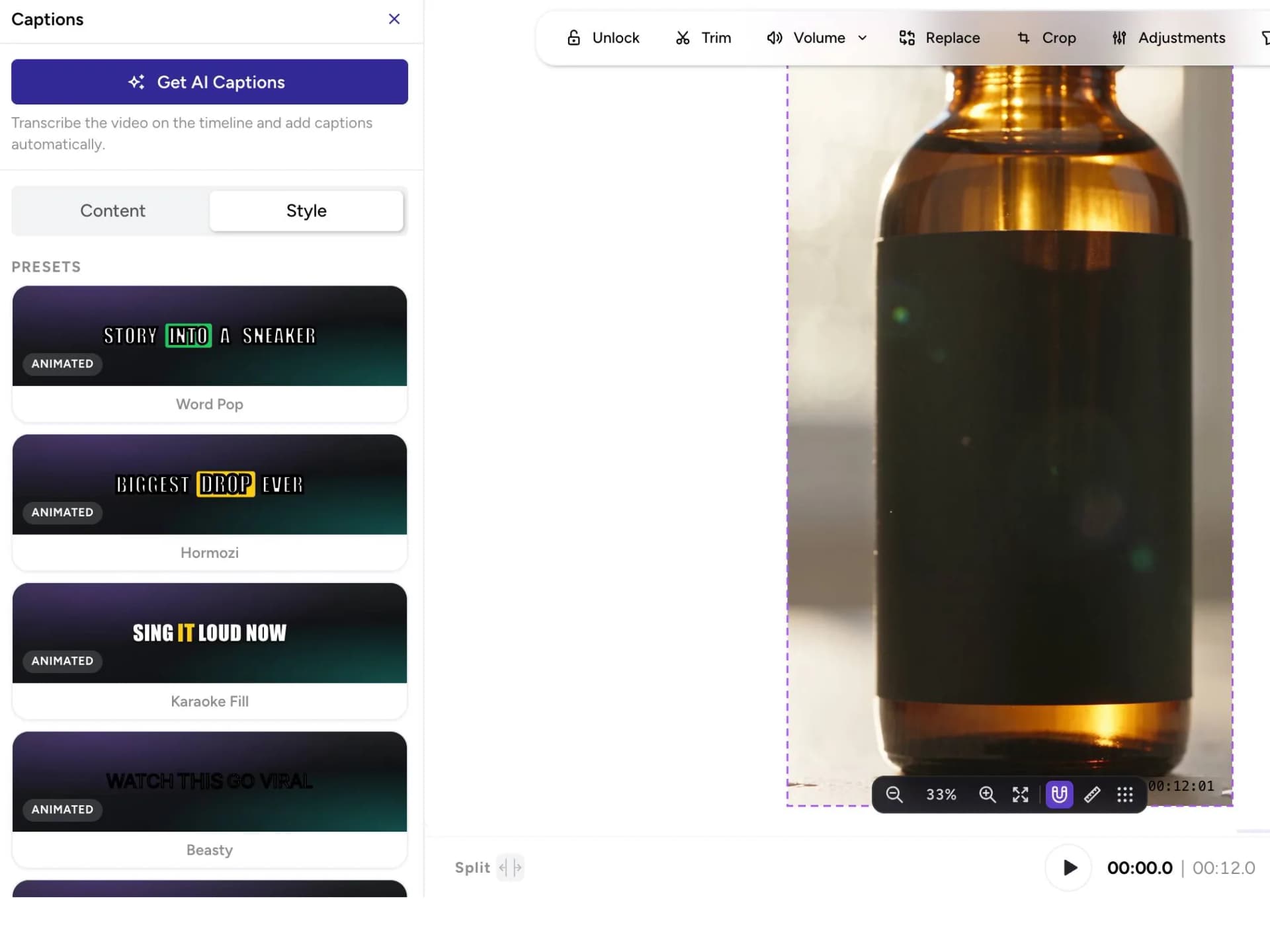
Captions
Add captions and choose how they look.
Video ads
Choose the product image and avatar. Set the ratio, length, and hook.
How it works
Scenes
A hook, the product, and a close. Written from your product, cut for the feed.
Editing
Change what you need in the editor, and keep the rest of the video as it is.
Add captions and choose how they look.
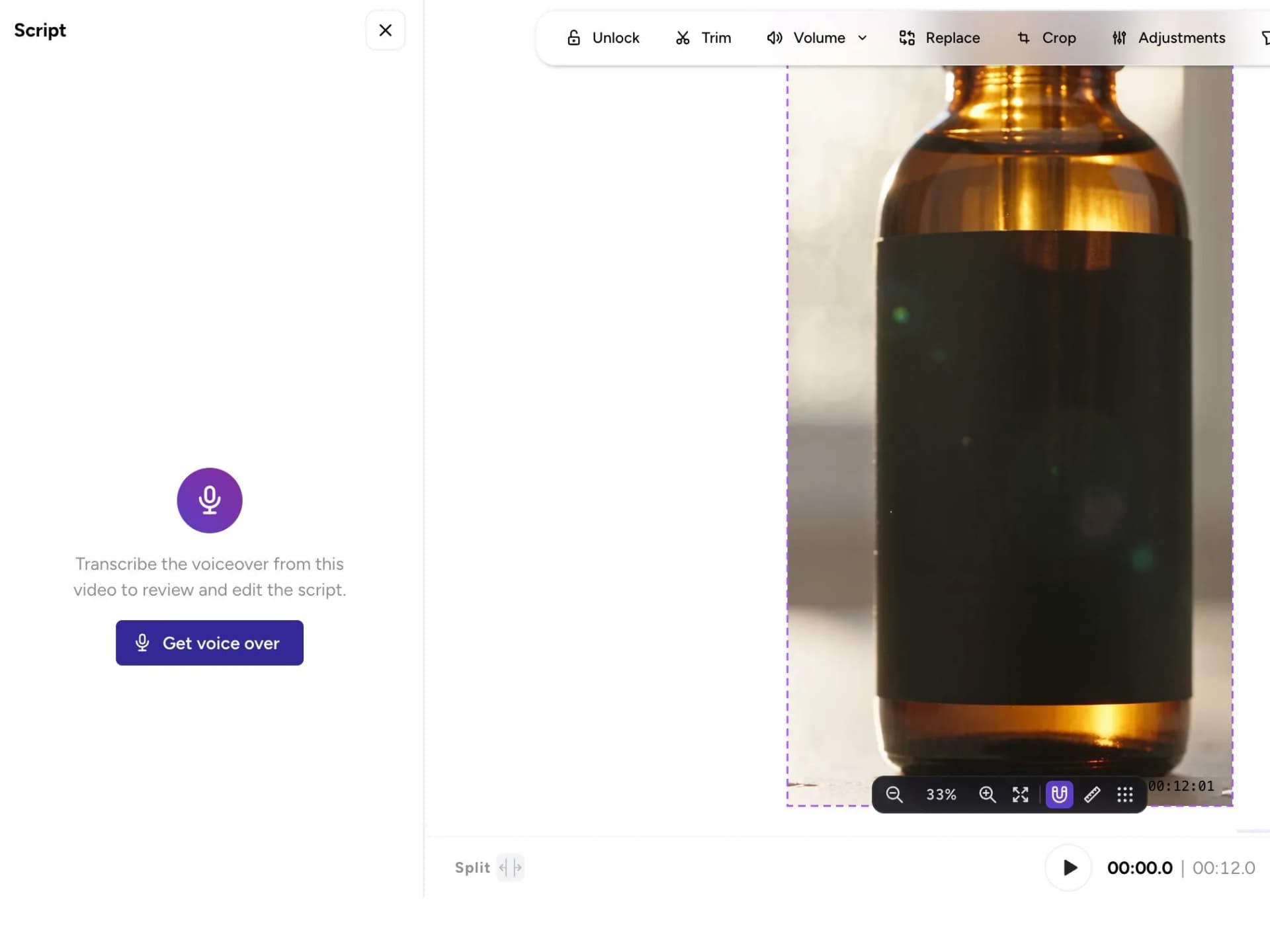
Rewrite the voiceover line, or swap the music track.
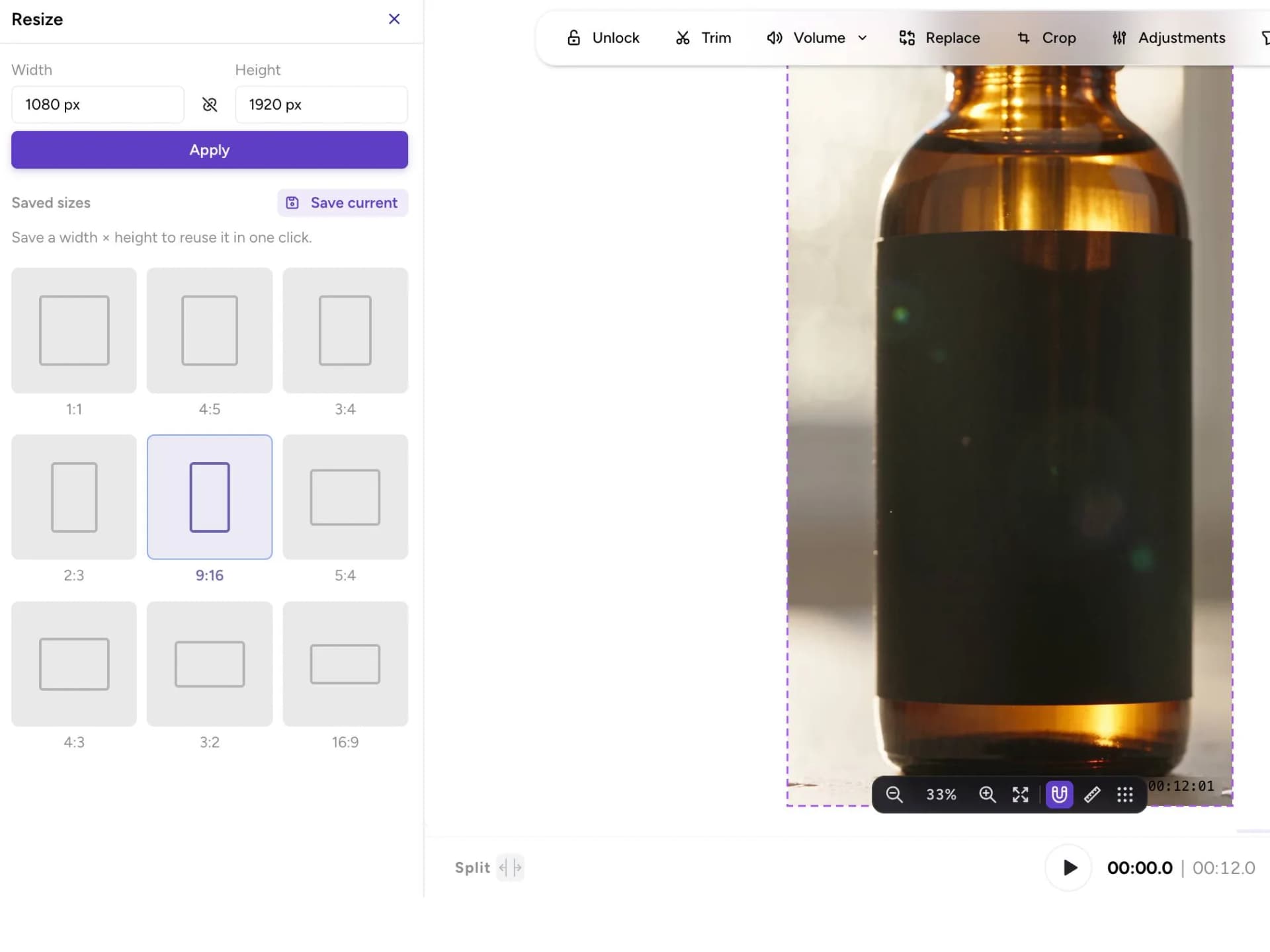
Take a 16:9 cut to 9:16 for another placement.
Formats
Commercials can also be 1:1 with Pro quality.
Product animation
A slow push-in, a turn, or a light sweep. Six seconds, made for the feed.

Presenter
An avatar holds the product and says the line you write. Or keep the product on screen and let a voice carry it.
Questions
From 10 to 30 seconds, set on a slider. 12 seconds is the default. A short commercial costs 12 credits a second.
16:9 and 9:16. Commercials can also be 1:1 with Pro quality.
Yes. Add captions, text, and shapes, change the voiceover or music, and resize it in the editor.
Launch it from Ad Launcher, into your own ad account or one Omneky runs for you.