
Your New Home for Avatar Video, Video Cloning & Launching Ads
Create data-driven, on-brand videos in minutes with Omneky’s Video Generation Suite, now from an integrated ad library or uploaded videos.
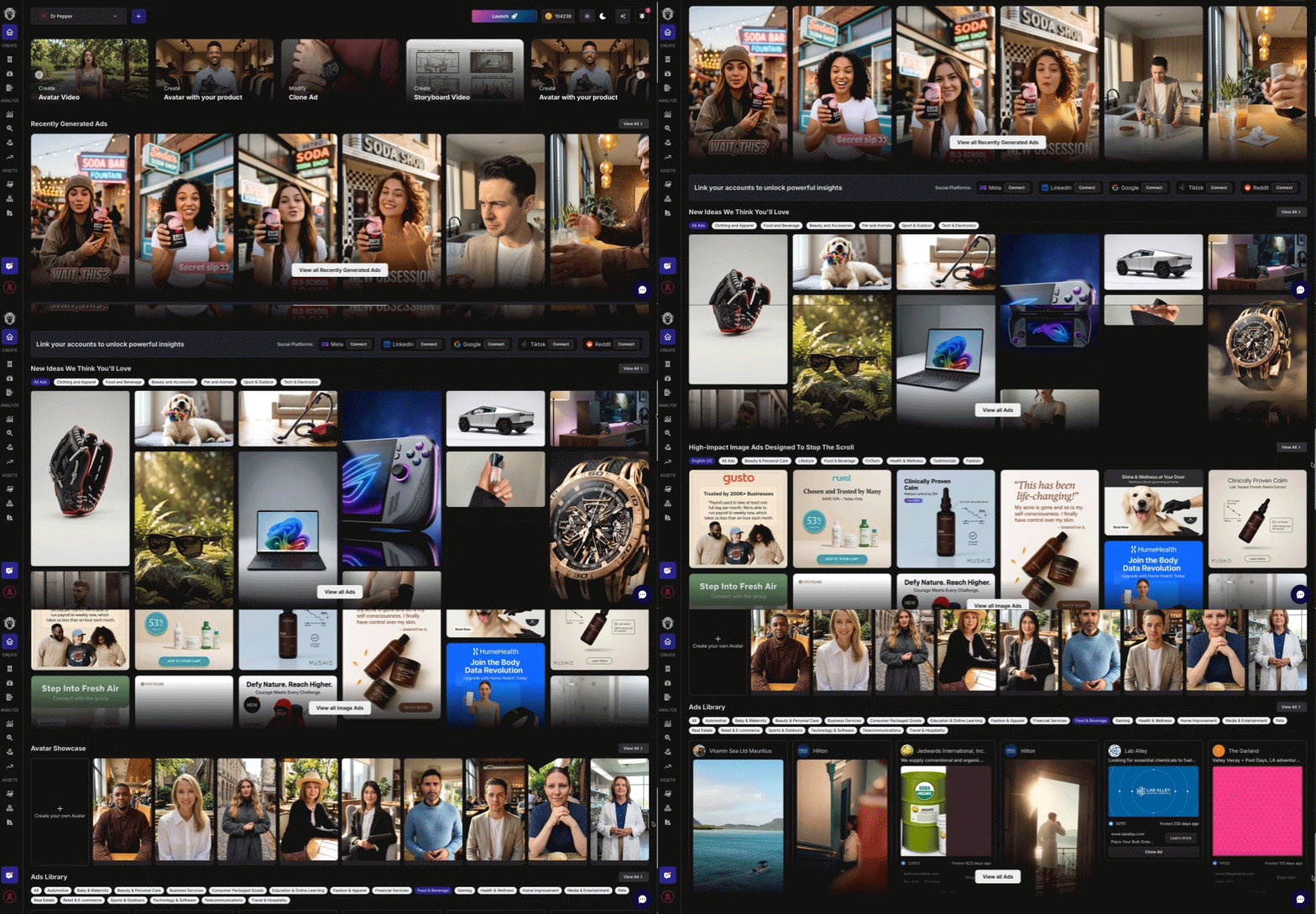
Unified Home for New Videos, Cloning Videos, Launching to a Campaign
- •Create new UGC Avatar Videos, Storyboard Videos or Image Ads
- •Recently generated ads to Edit, create “More Like This” or Animate to Video
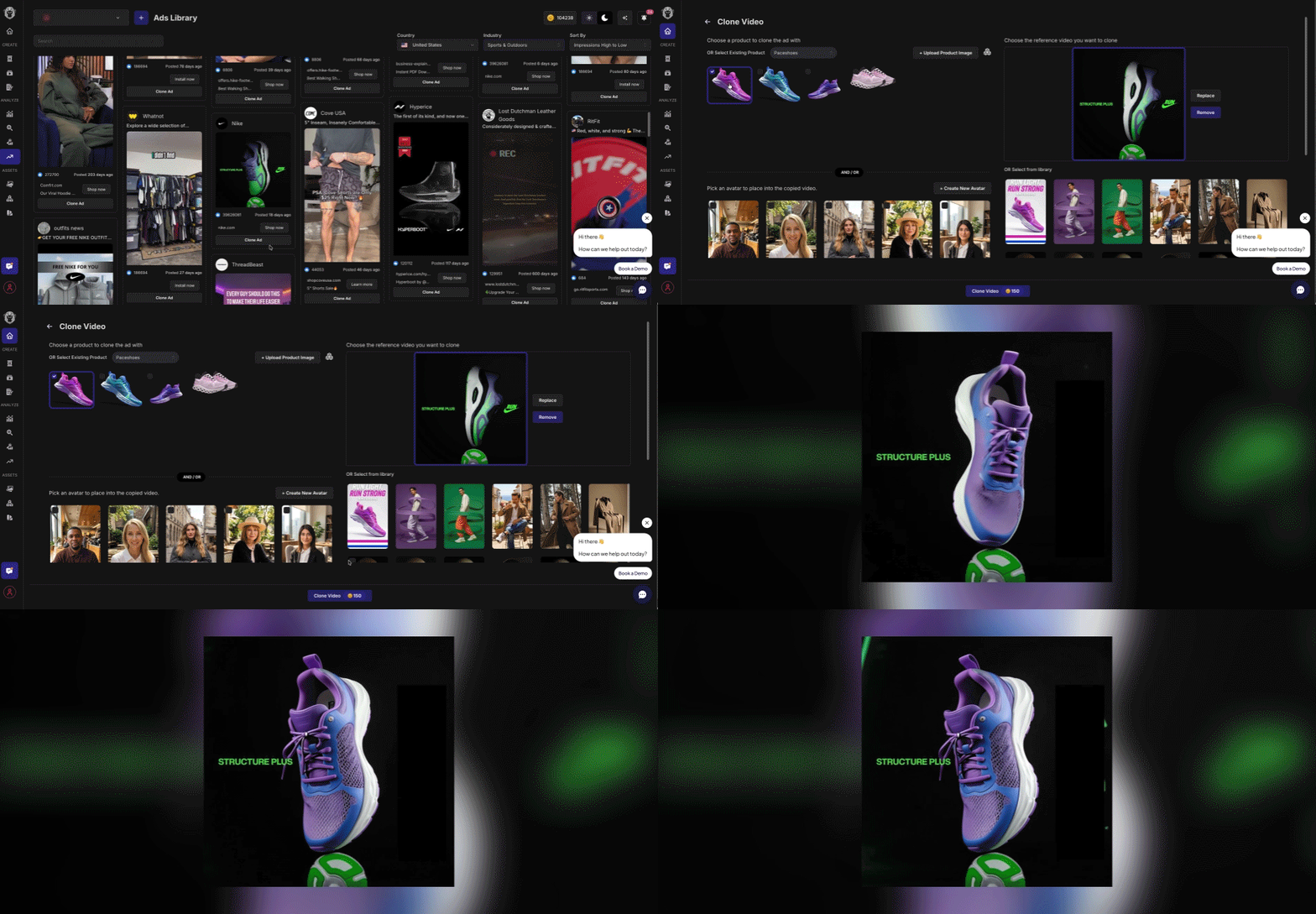
- •Meta Ads Library to clone with your own Brand, Product and Avatar
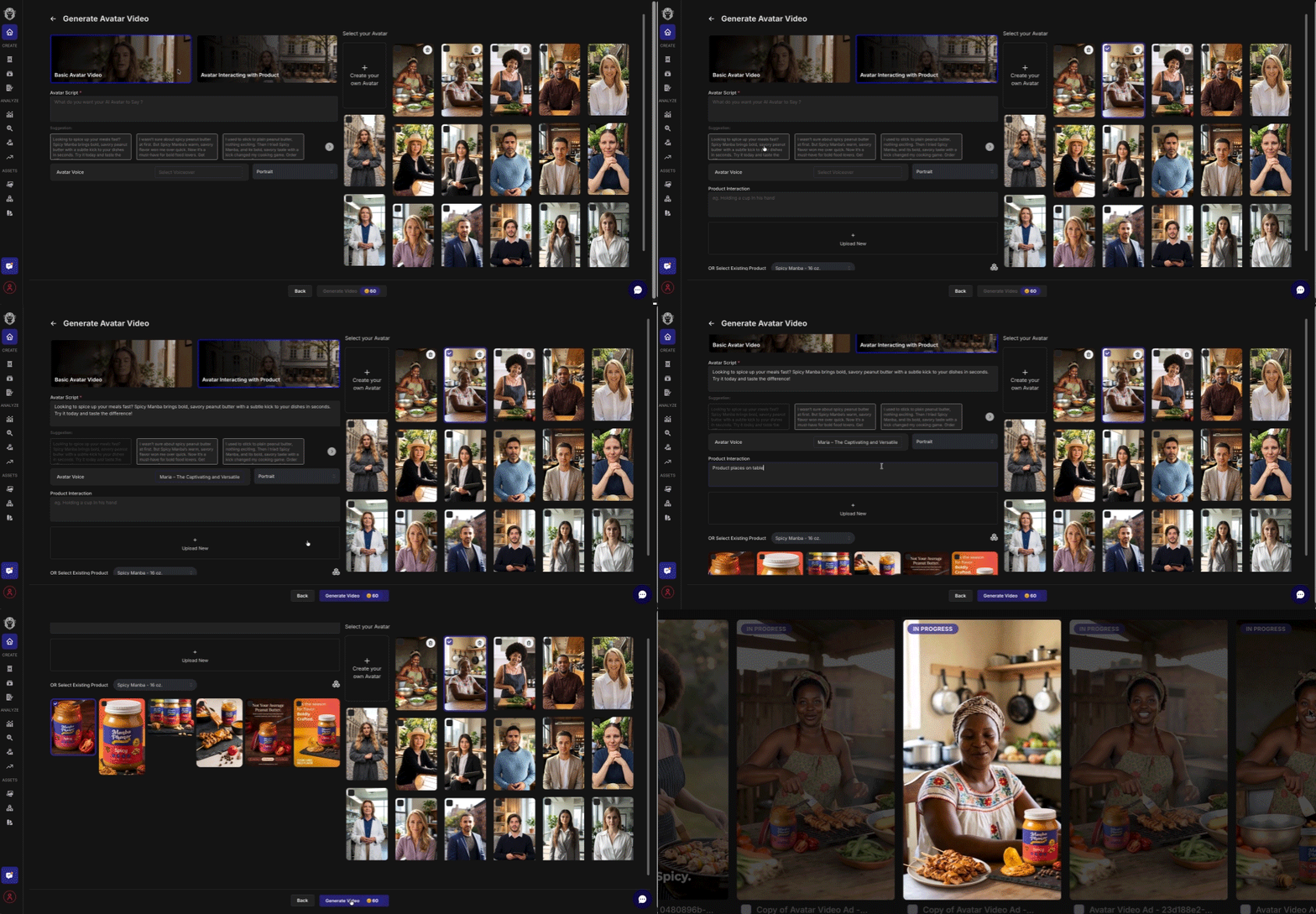
Custom Avatars Using Your Product or in Your Setting (HeyGen Avatar IV Model)
- •Fully customizable talking Avatars from an image or prompt
- •Custom or Library Avatar using a physical product
- •Real people avatars in a product setting like Real Estate
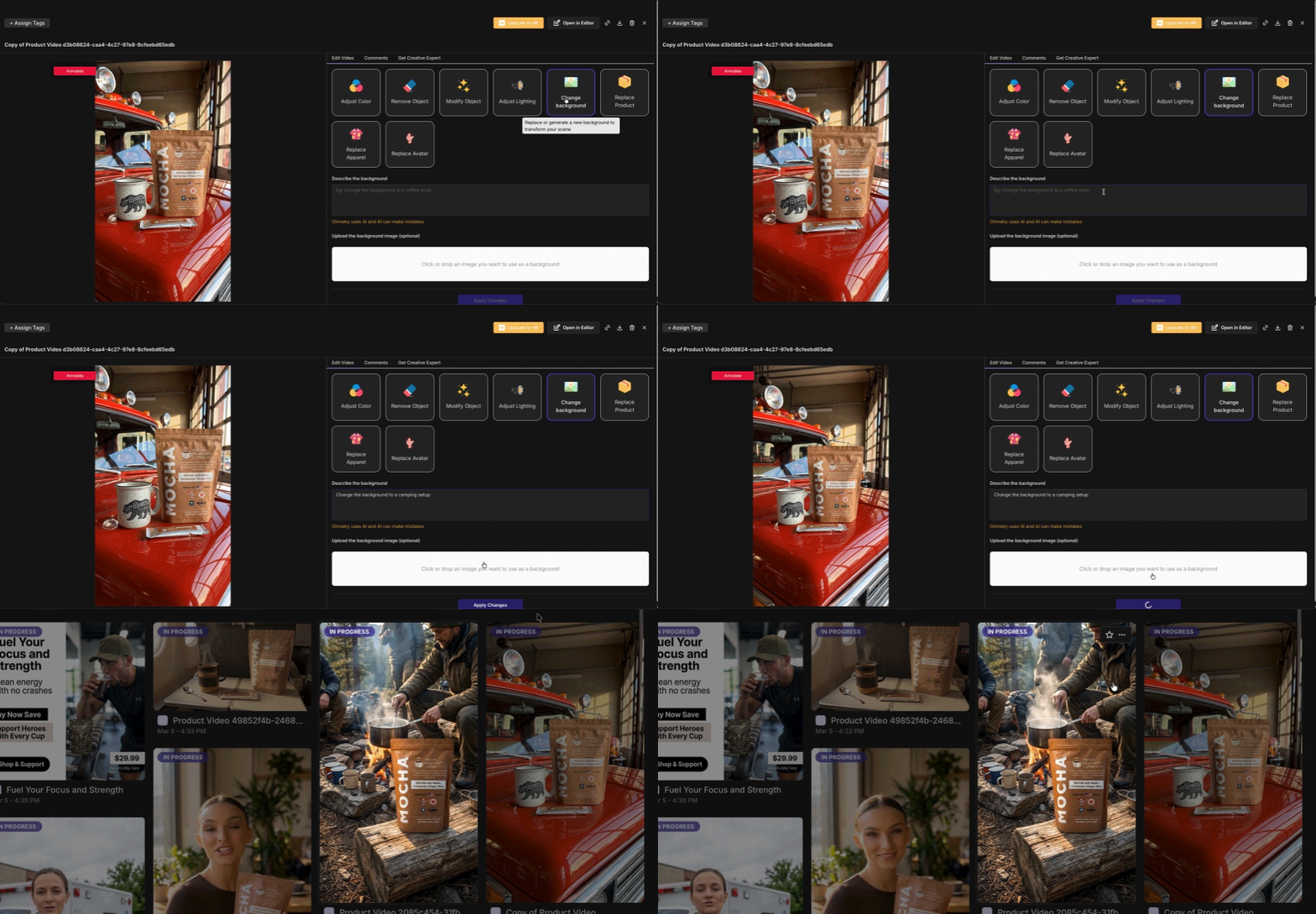
Edit Videos! Fix Videos or Create A/B Test Variants
Step 1: On the Ads page, click it to view the Video Editing Toolkit. You may want to first duplicate the Ad via the ad 3-dot picker and edit the duplicate, which is handy to preserve the original and/or create A/B testing variants.
Step 2: In the Video Editing Toolkit you can make edits like change the persona, their apparel, the product they are using, the background or lighting, or remove or change an object in the background.
Step 3: Individual video clips can stitched into longer multi-clip videos by opening a video in the Editor via its 3-dot picker, or by adding the clip into an existing Storyboard video which you access via the Video Generator nav item.
Launching: To Launch, click the Launch button in the header, select the ad network, an existing campaign for connected ad accounts or elect to ‘Create new campaign’, select ads to that channel’s max # of ads for each ad format, and launch as active or paused (after they are approved by the ad network).
Clone a Video from the Ad Library to Re-generate the Idea with your own Persona and Product
Step 1: Search in Clone
Step 2: For product videos select a pre-configured Product and image
Step 3: Select a custom or library Avatar
Step 4: Confirm the output video Orientation and narrator Language
Then click Clone Video
Launch to Google + YouTube Demand Gen Campaigns
What are Google Demand Gen campaigns?
Google + YouTube Demand Gen campaigns show your best performing image and video assets across entertainment-focused touchpoints - YouTube, YouTube Shorts, Discover, Gmail and Google display network - to reach billions of users as they stream, scroll and connect. Google will show your best ads to the right audiences at the right time to boost conversions.
For example, you could offer a discount for a new product line to existing customers using your remarketing list if you upload that in Google’s Ad Manager. There, you can also opt to reach Google lookalike audiences of purchasers or YouTube viewers. Optimize campaigns by Conversion Lift, Search Lift or Brand Lift.
Google automatically shows your best ads to the right audiences at the right time to boost conversions. Google / YouTube Demand Gen campaigns show your best performing image and video assets across entertainment-focused touchpoints including:
- •YouTube
- •YouTube Shorts
- •Google Discover
- •Gmail
- •Google Display Network
For example, you could offer a discount for a new product line to existing customers using your remarketing list uploaded in Google Ads Manager, Google lookalike audiences of purchasers, or your YouTube viewers. You can optimize campaigns by Conversion Lift, Search Lift or Brand Lift.
Within Omneky:
- Click Launch
- Select Google as the network
- Select Demand Gen or PMAX campaign type
- Choose an existing campaign or create a new campaign
- For new campaigns, select the ads, basic geo and demographic targeting, and whether to create campaign and ads as Active or Paused.
For more information: About Demand Gen campaigns - Google Ads Help
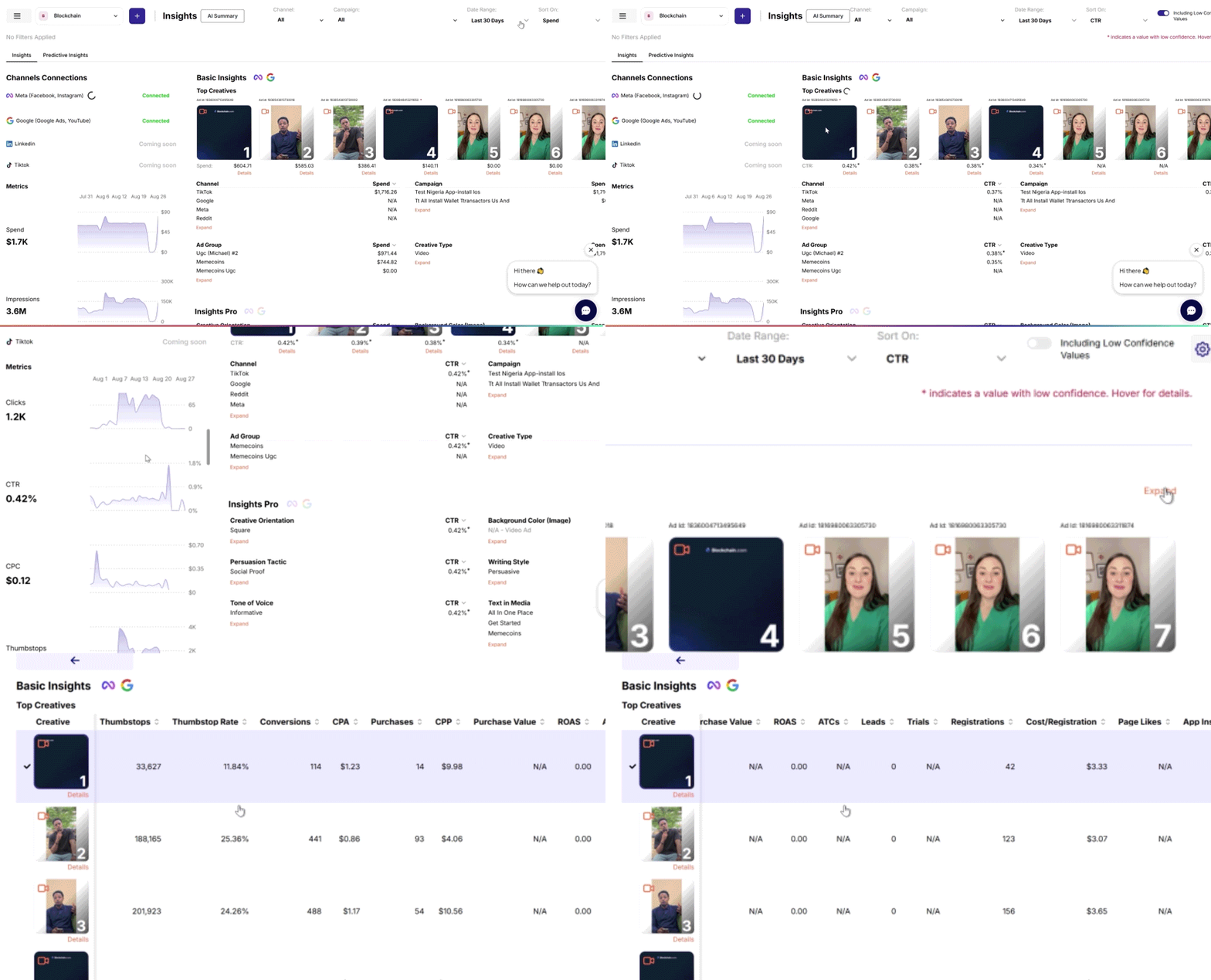
Insights Home — Winning Ads and New Ad Recommendations
Winning Ad & New Ad Recommendations powered by predictive data
- •Existing Ad Recommendations — AI recommendations based on top-performing and under-performing creative elements
- •New Ad Recommendations — AI-generated suggestions based on what's working for your brand
- •Reporting & Insights — your last 90 days of live ads will be AI-labeled for insights for connected ad accounts
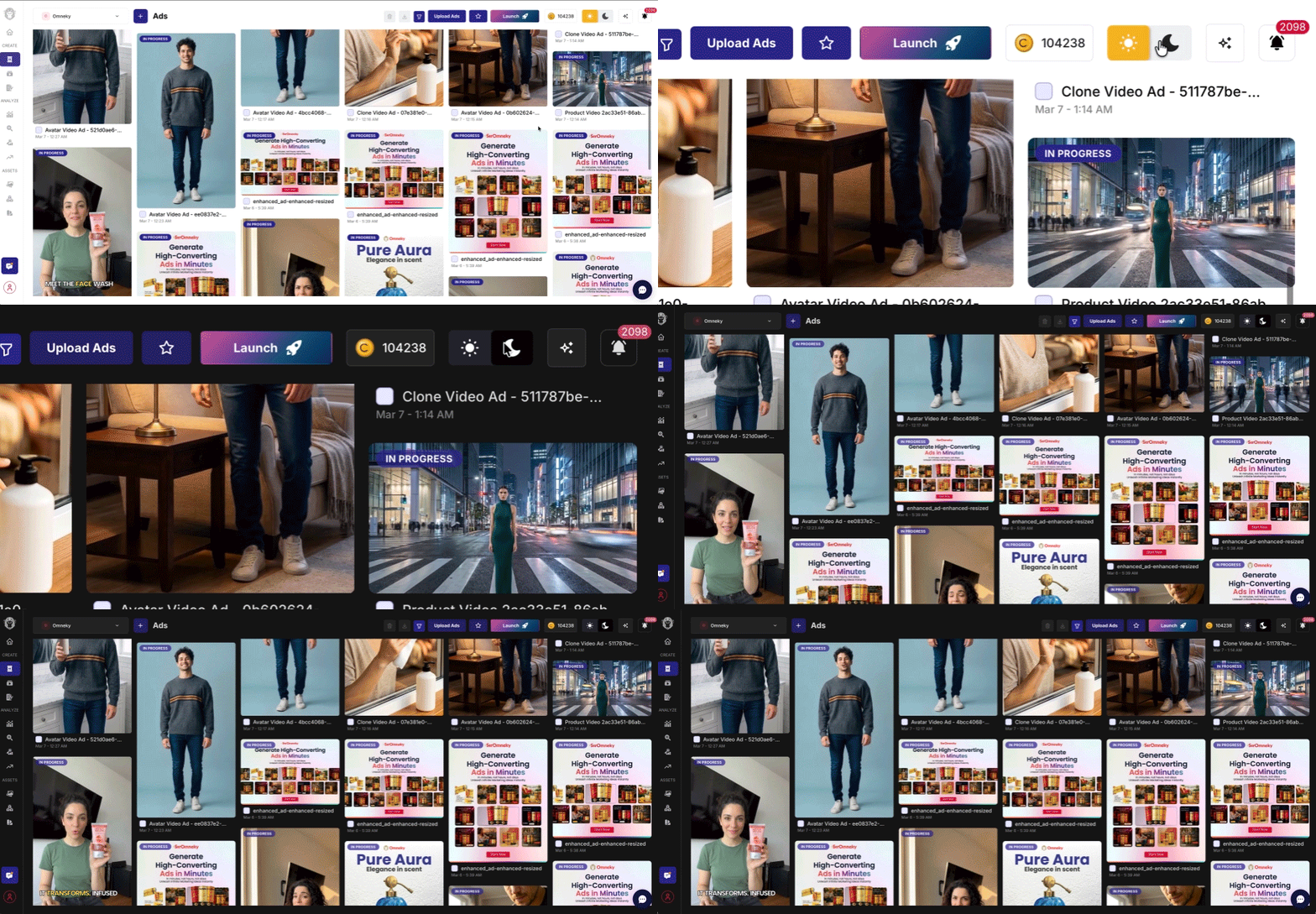
Dark Mode — A New Way to Experience Omneky
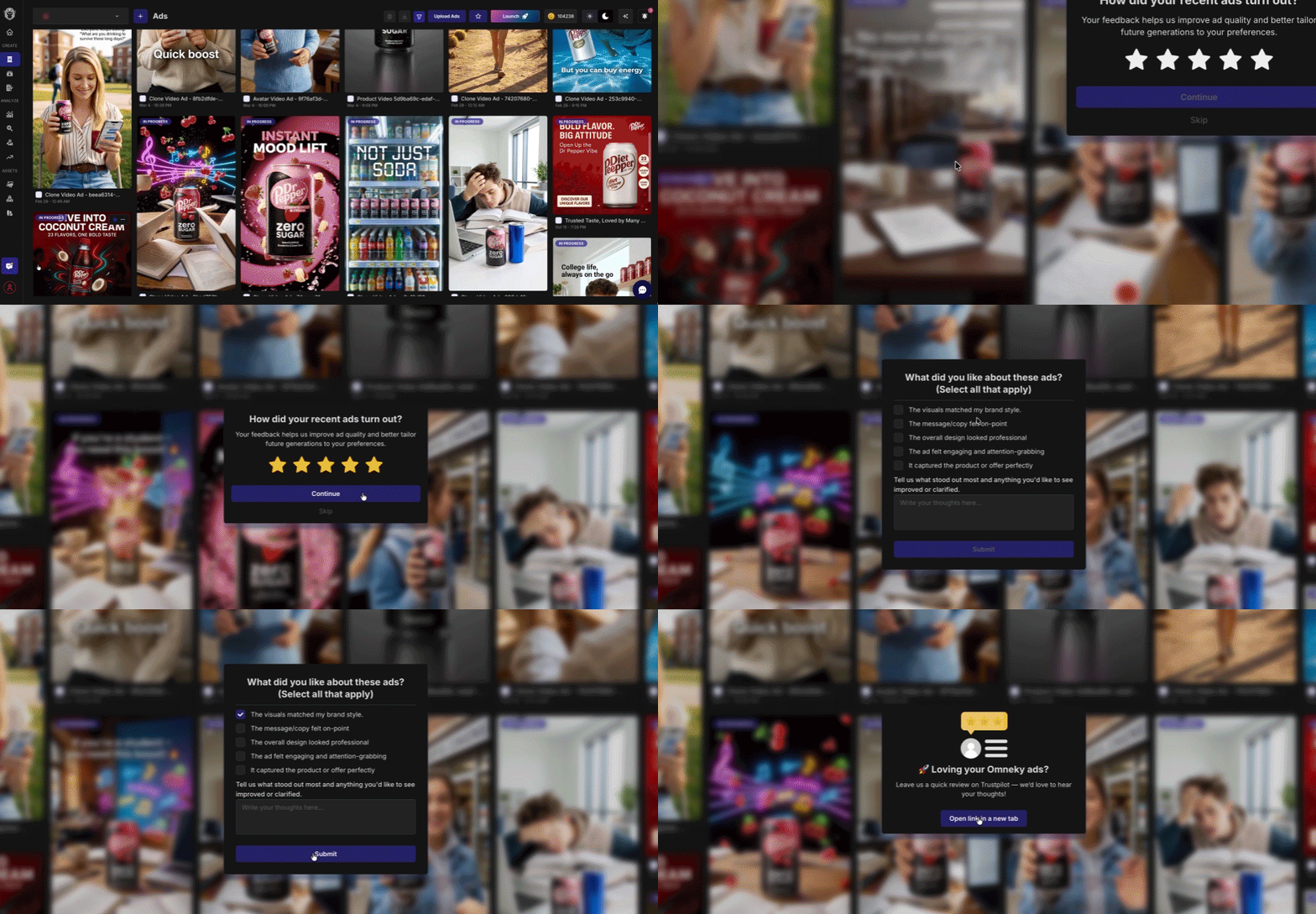
Share Feedback & Refer Friends
Help us learn what is working and what isn’t so we can improve quickly.
- •Leave a review on Trustpilot directly from the app
- •Refer a friend and earn credits toward your plan